
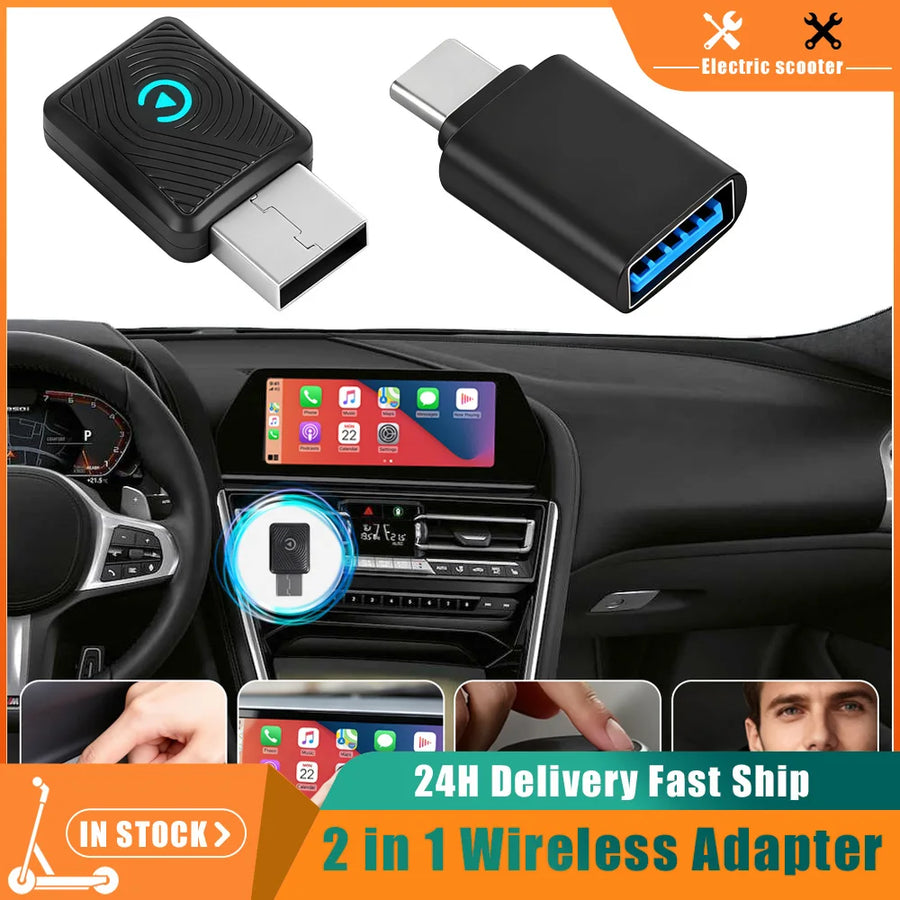
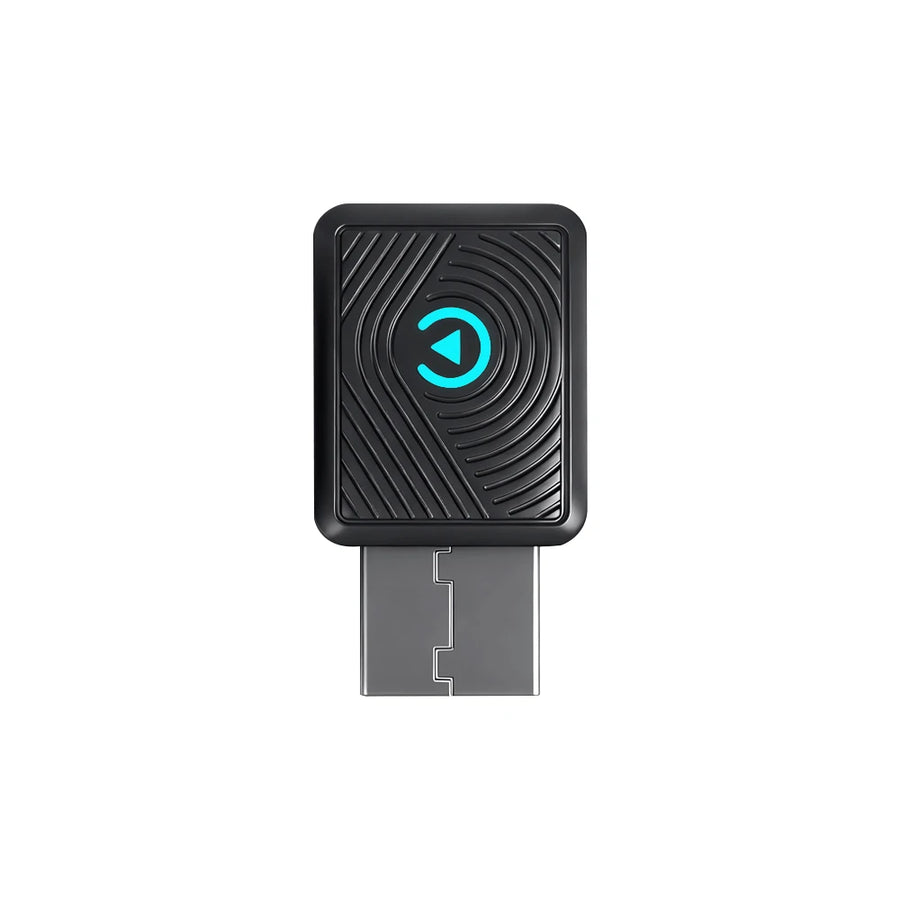
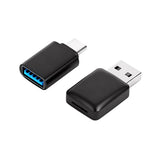
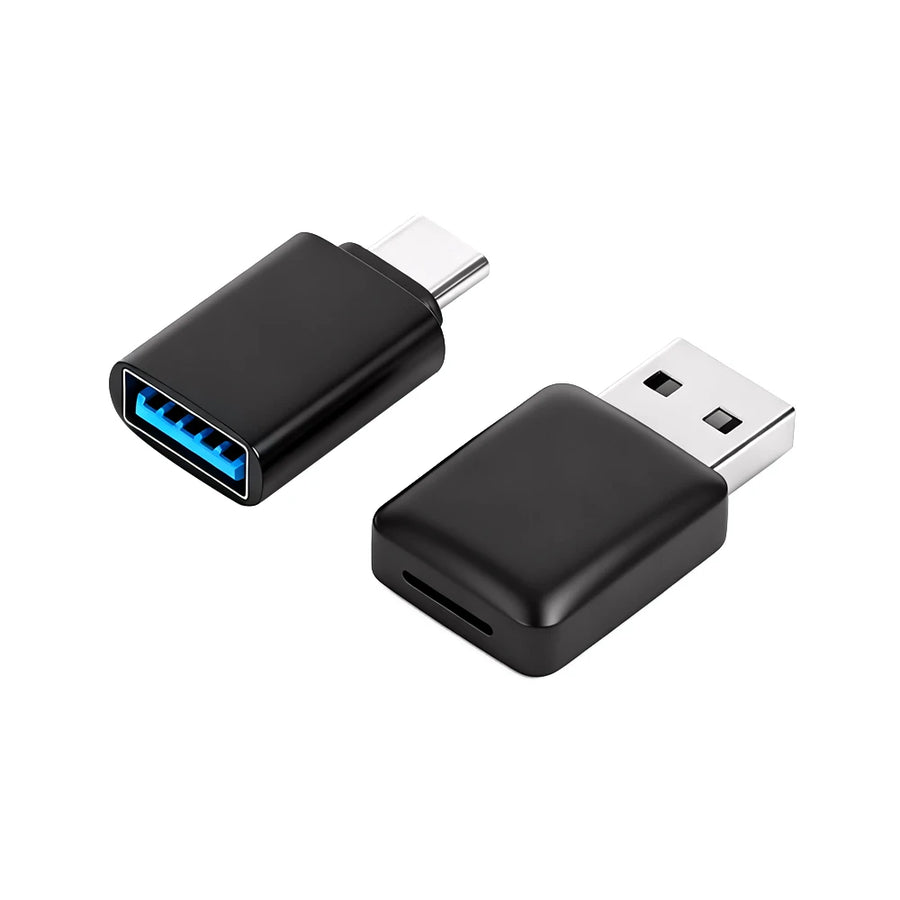
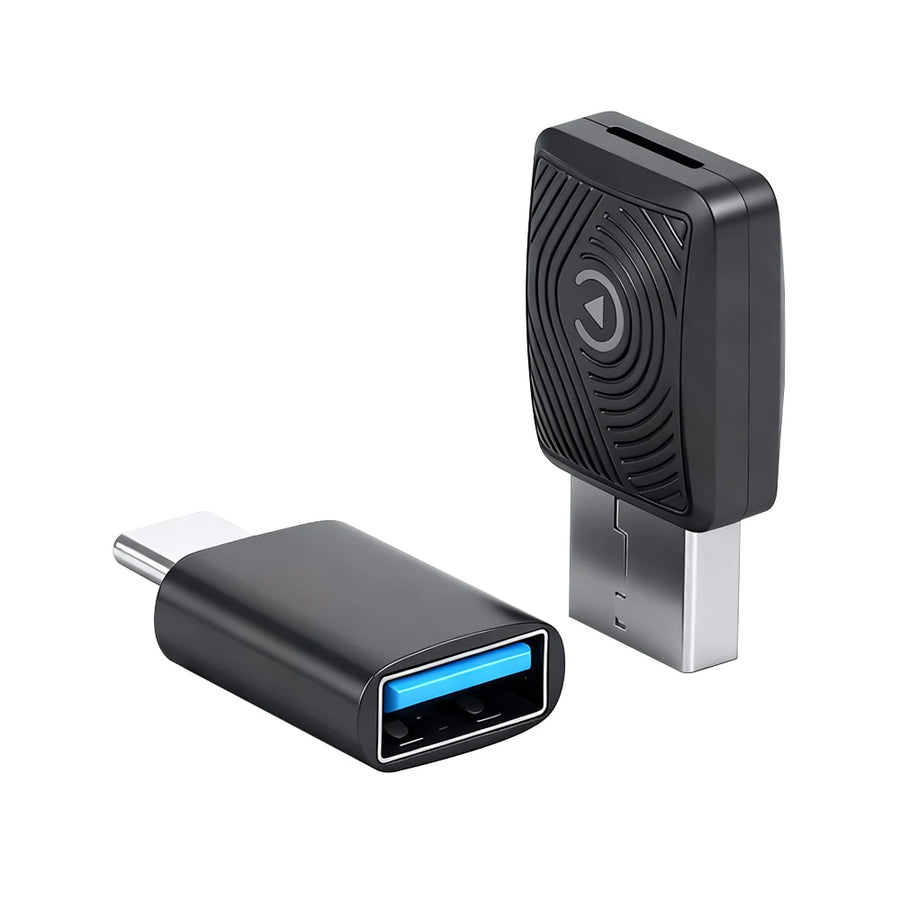
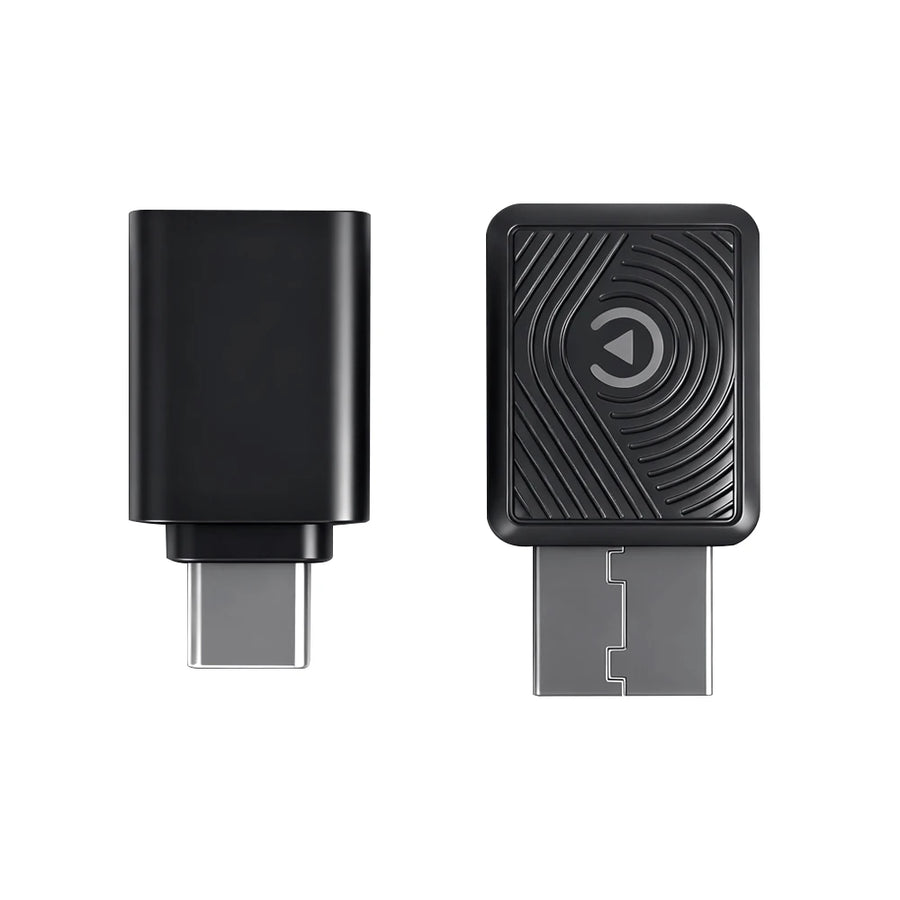
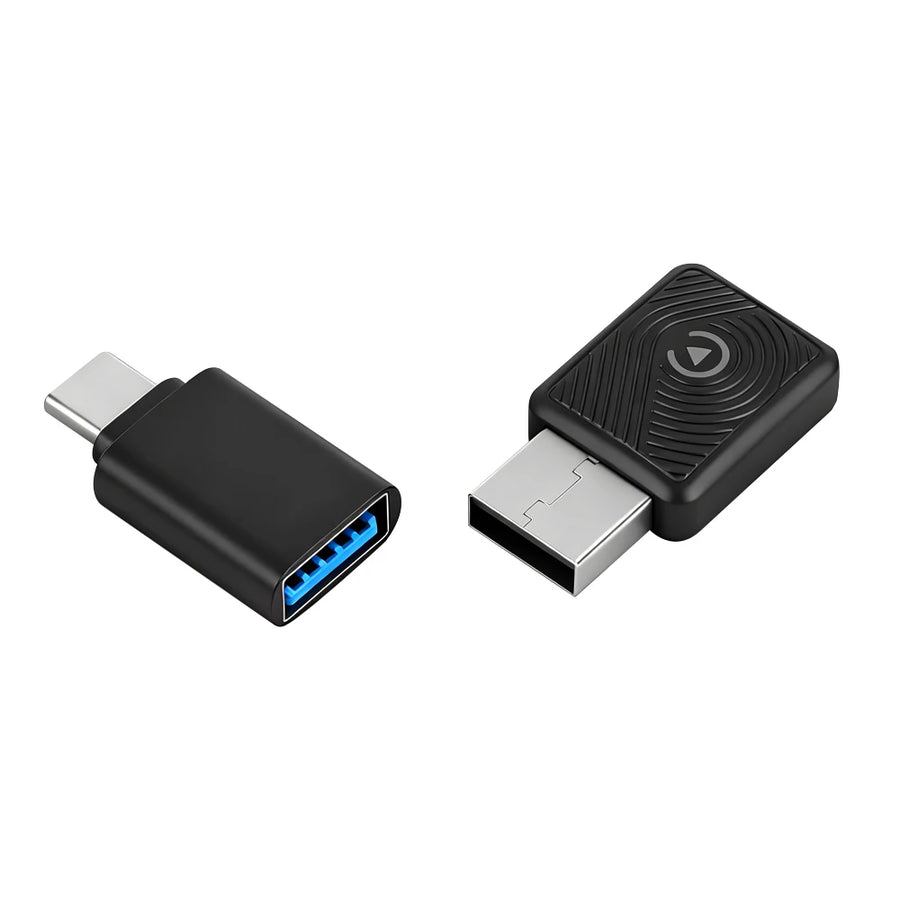
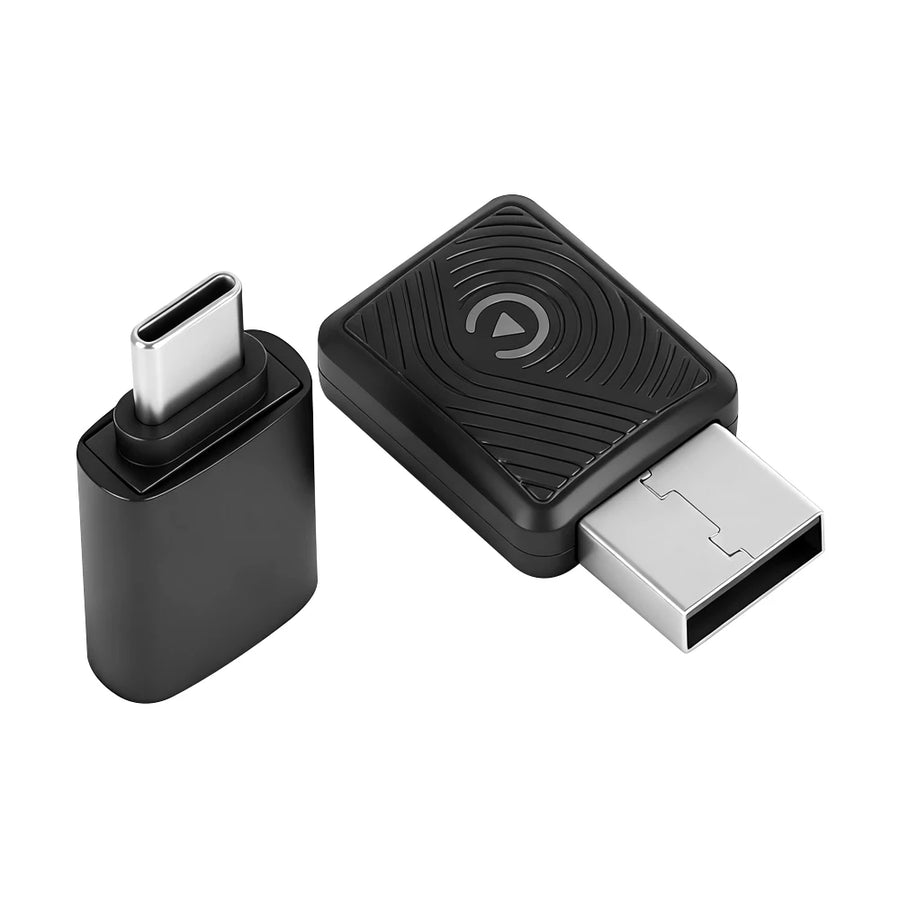
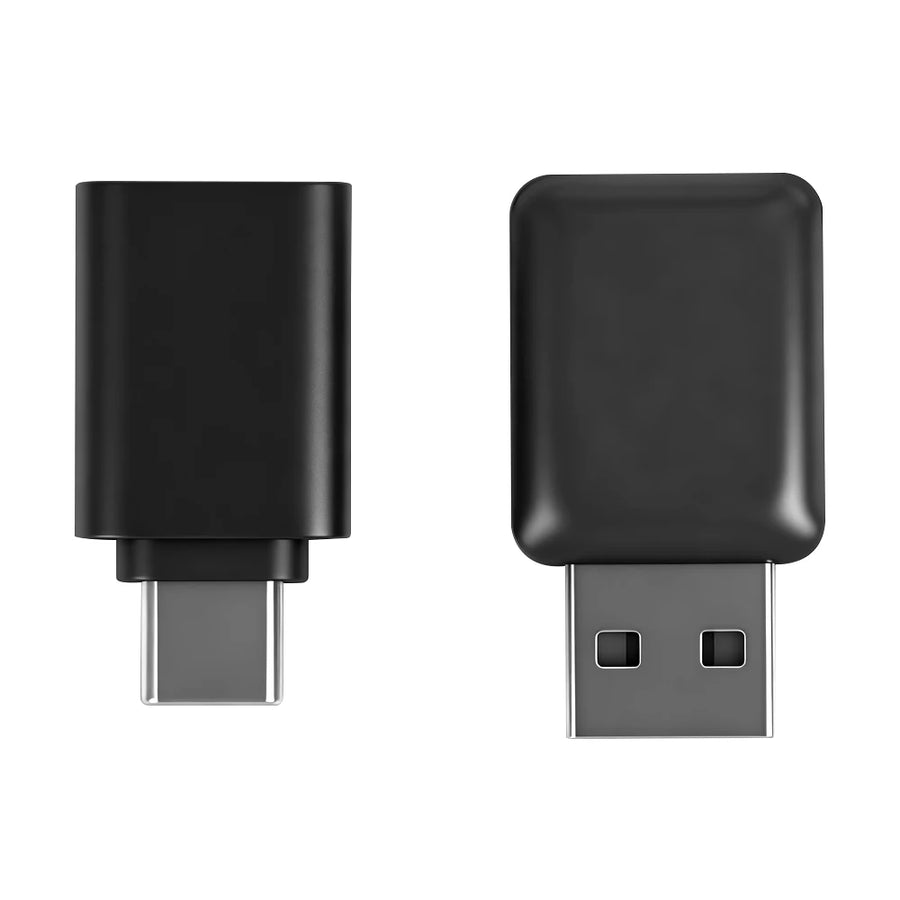
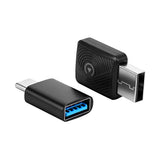
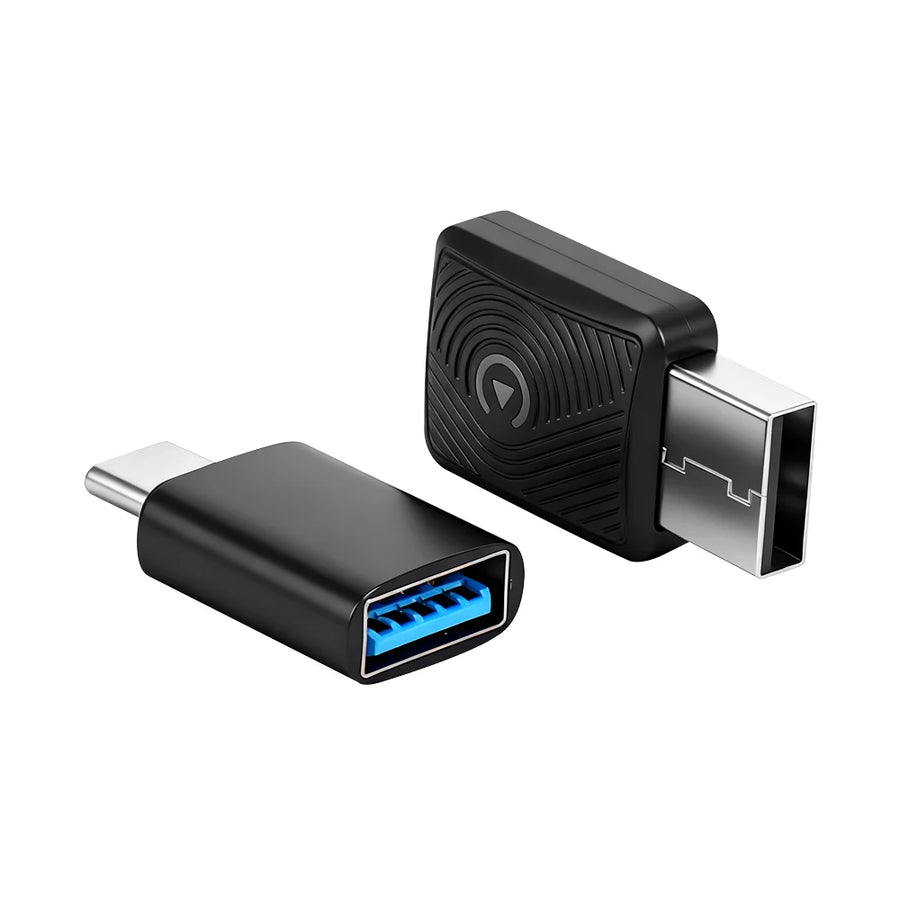
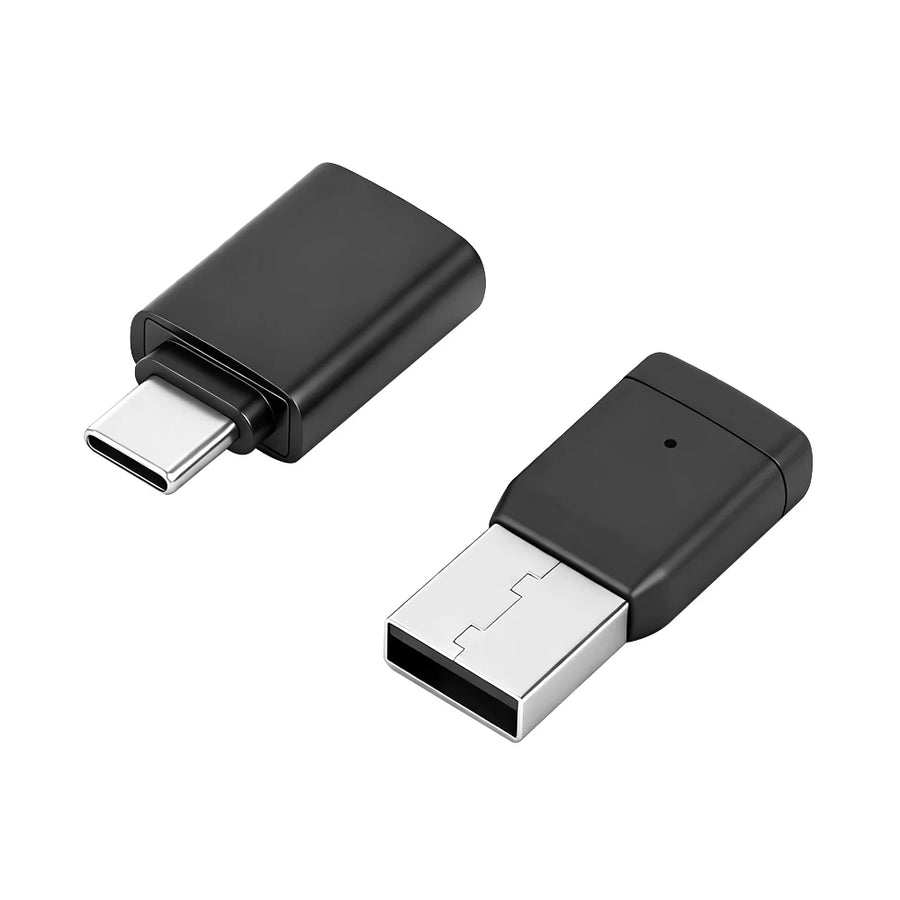
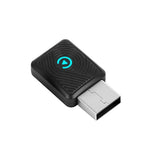
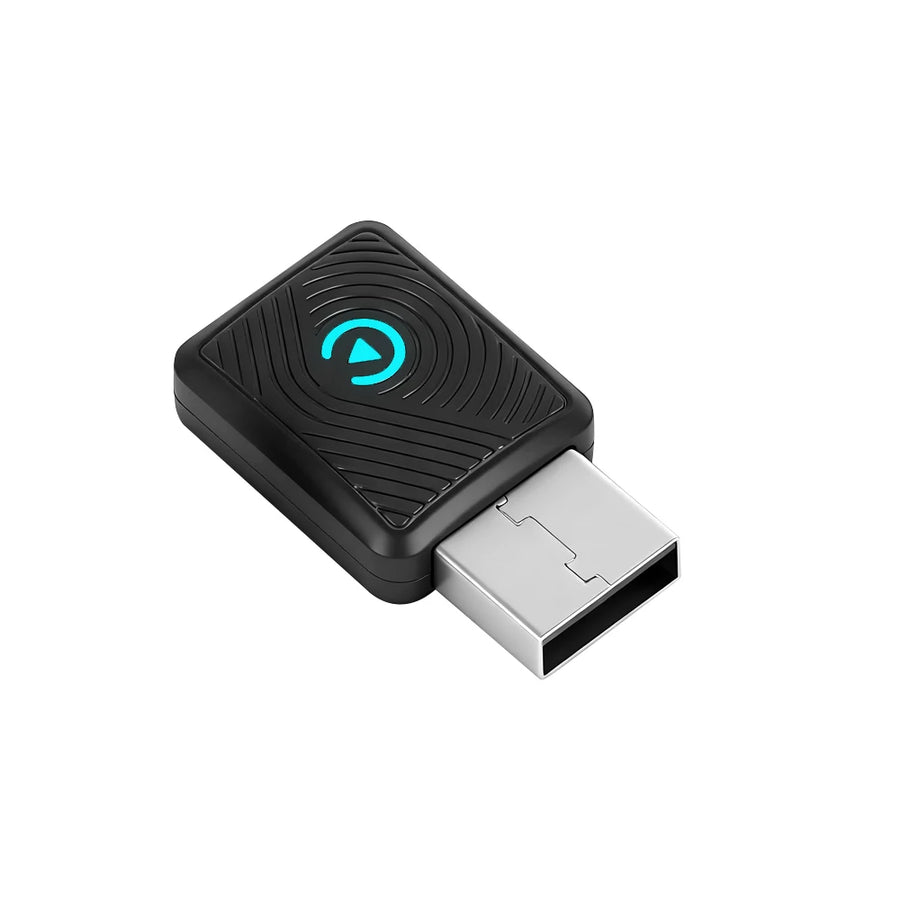
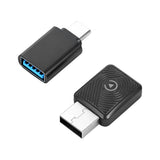
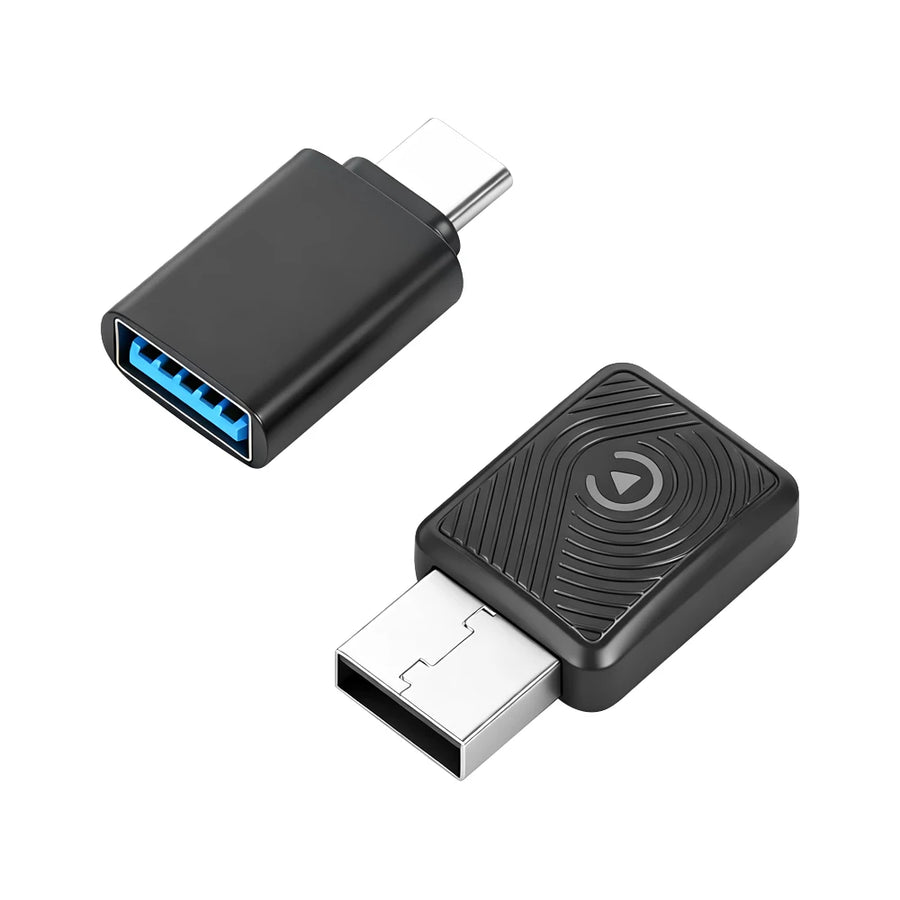
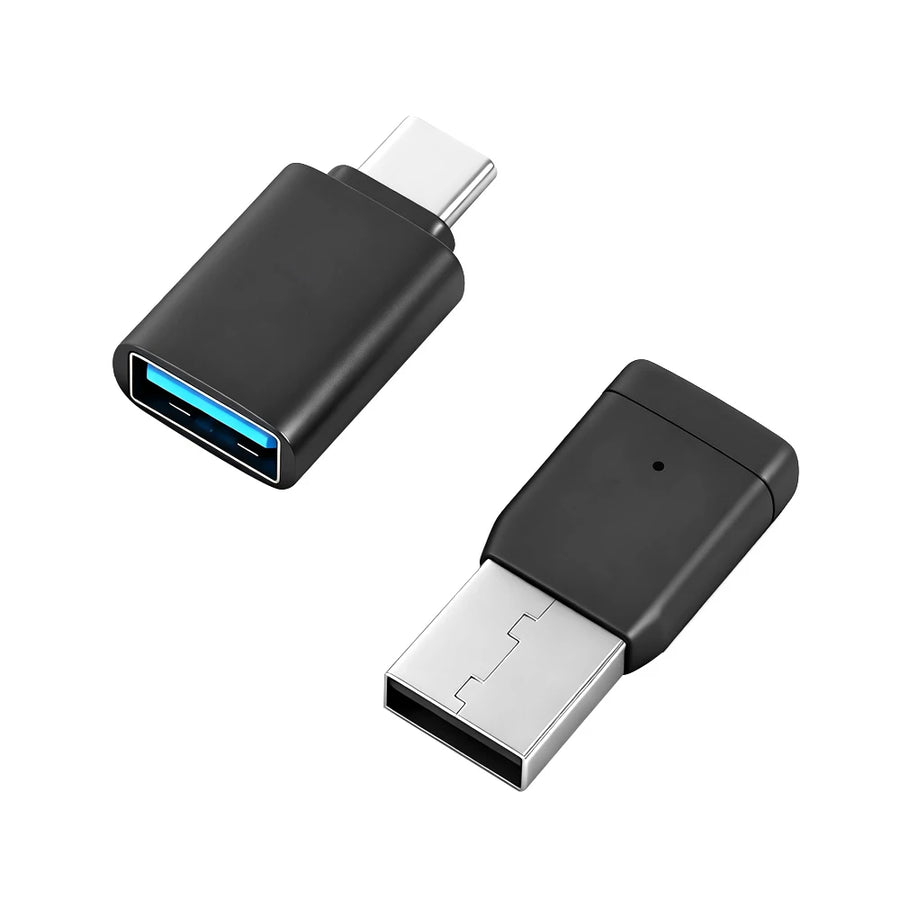
Wireless CarPlay & Android Auto Adapter | 2-in-1 Plug & Play | No App Required
$44.99$56.24-20% OFF
🔥 99 in stock
Only 99 products left
Color: A
Secure Checkout
Fast Shipping
7-Day Returns
100% Genuine
⚠ Important Order Notice
Please ensure your address is correct before placing your order. In case of a wrong address , the payment will NOT be refunded.
Kick20 will not be held responsible for failed deliveries due to incorrect address or customer absence.

About This Product
Product Details
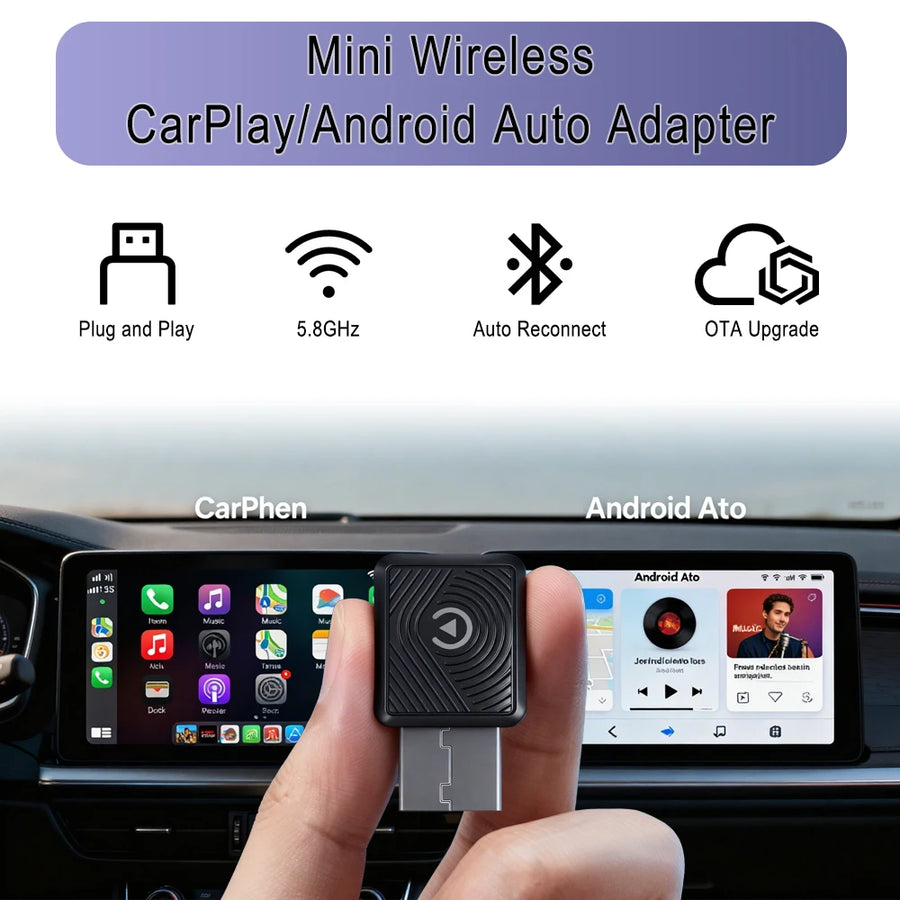
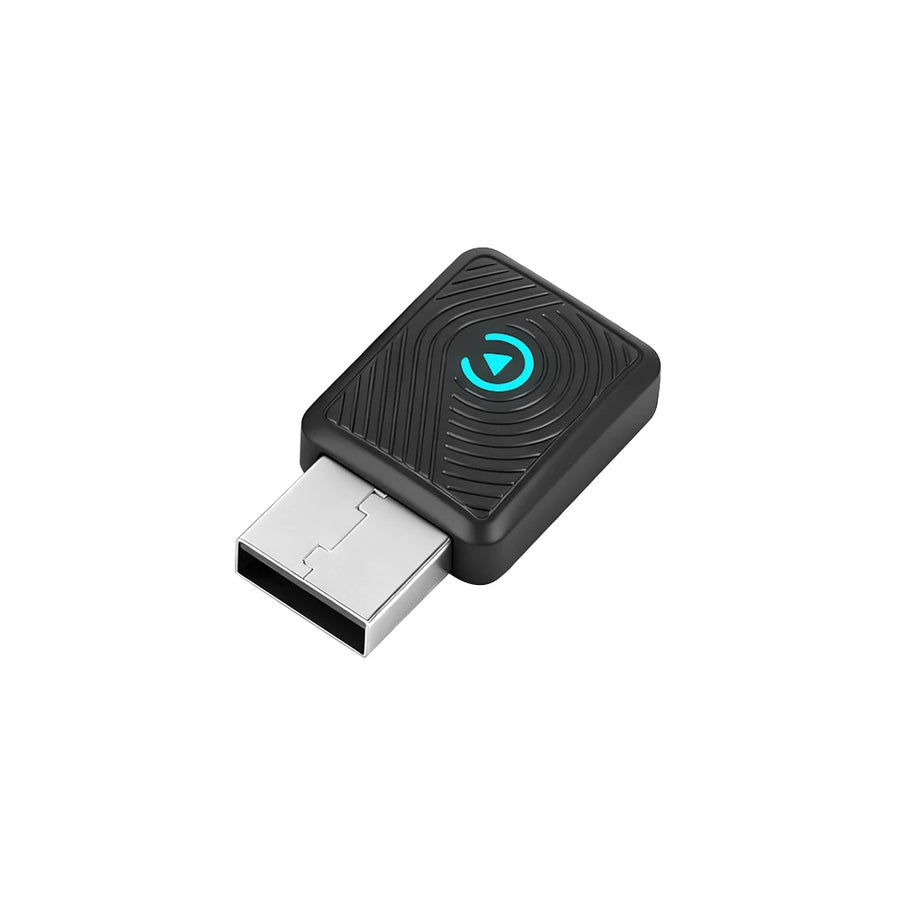
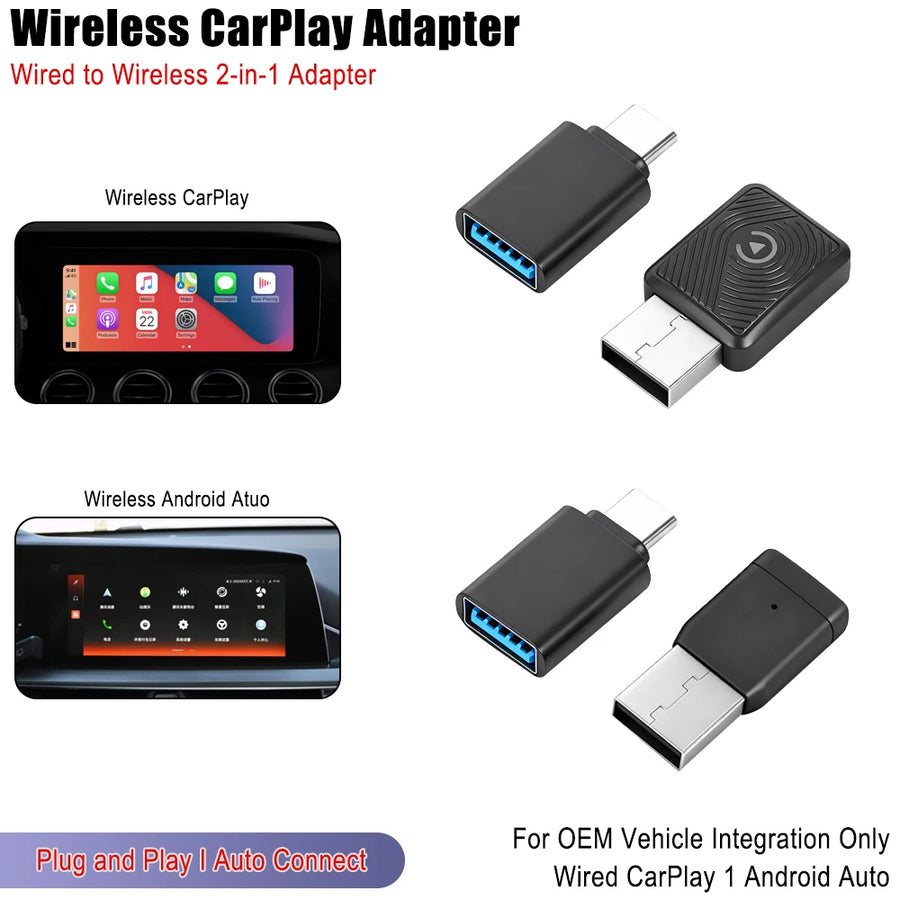
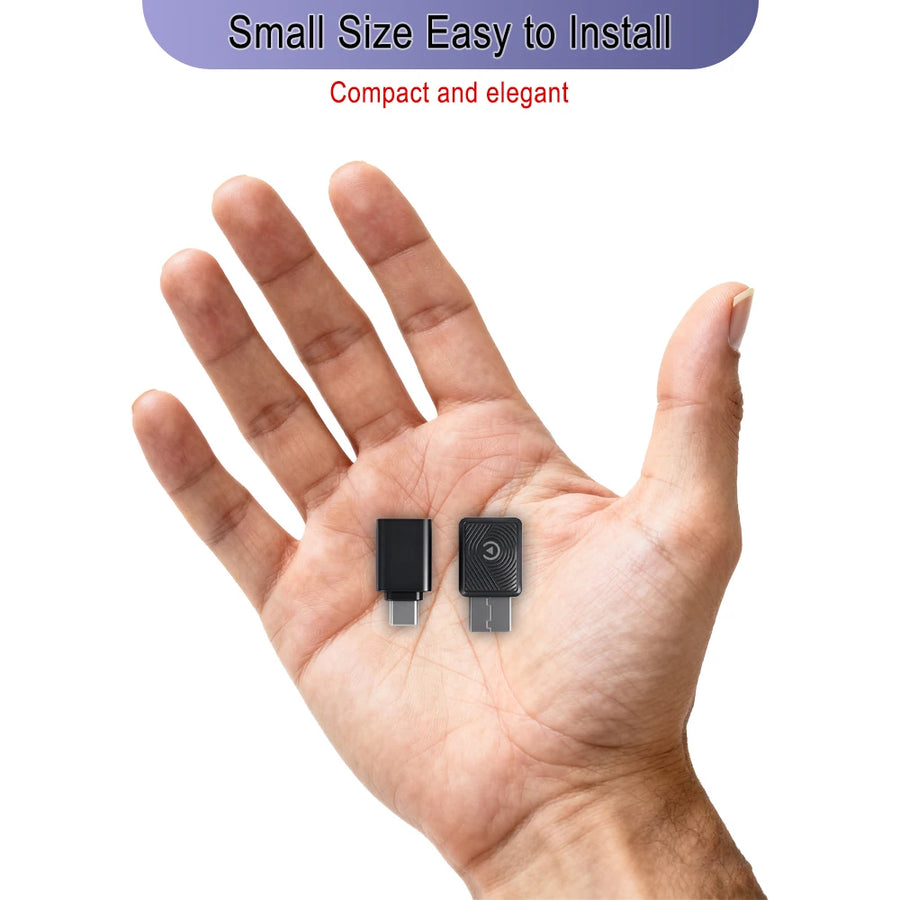
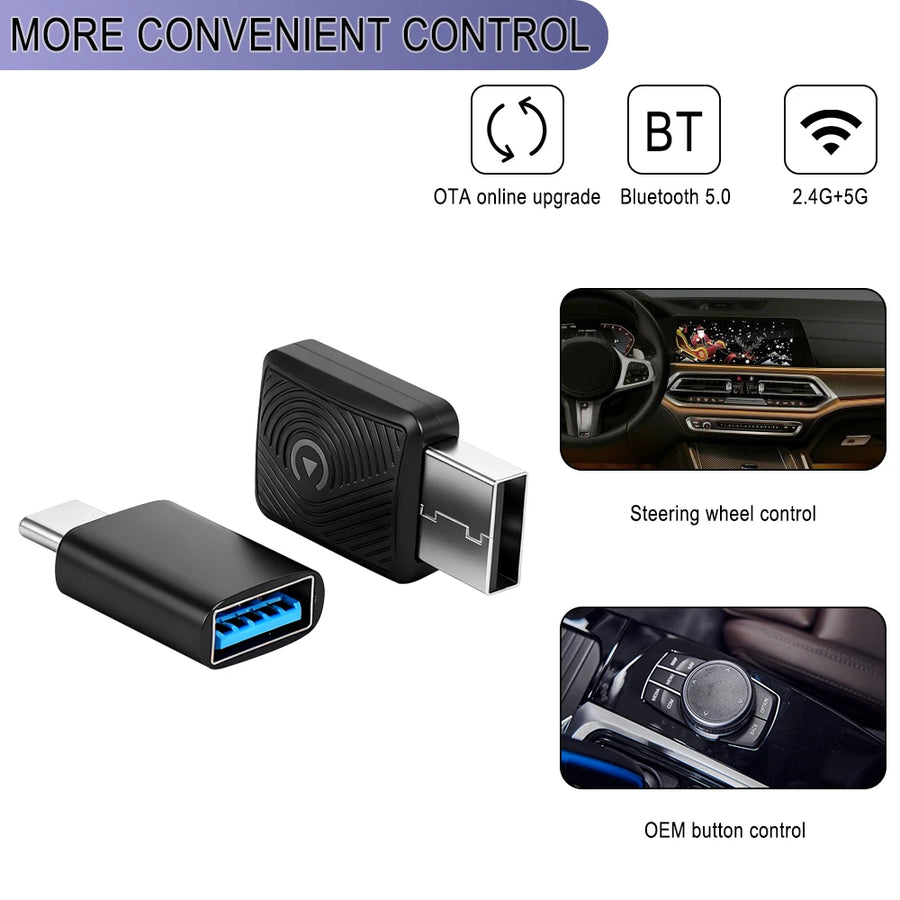
📱 Go Wireless Instantly — CarPlay & Android Auto Adapter
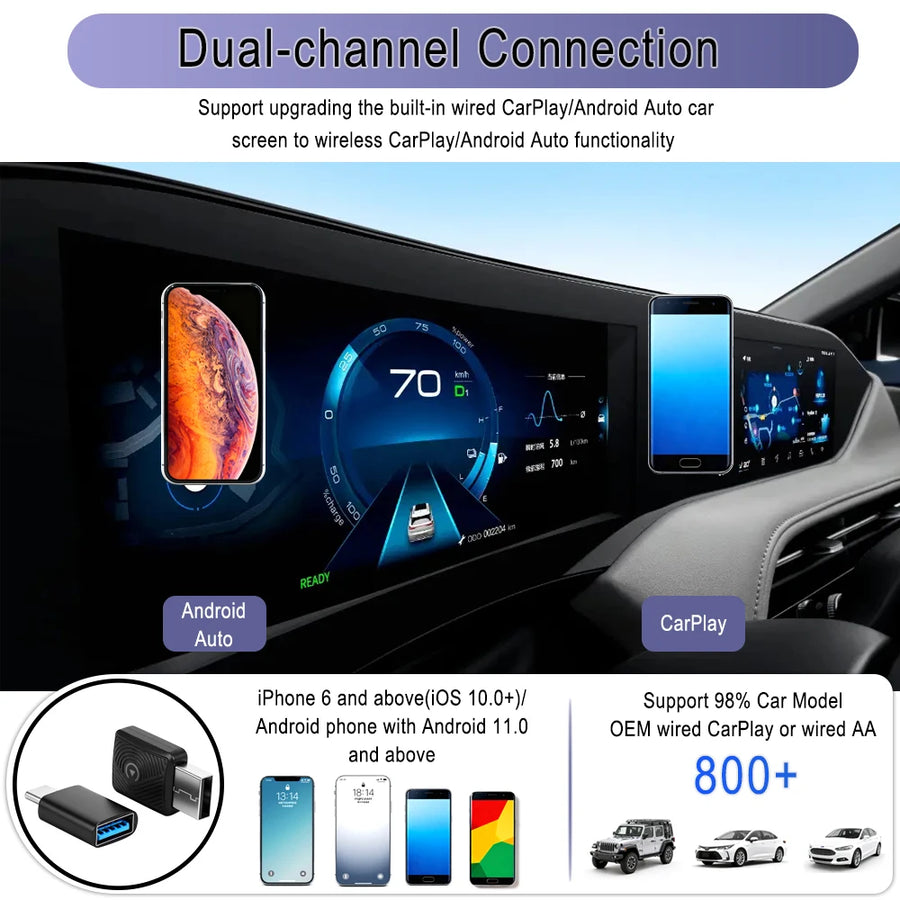
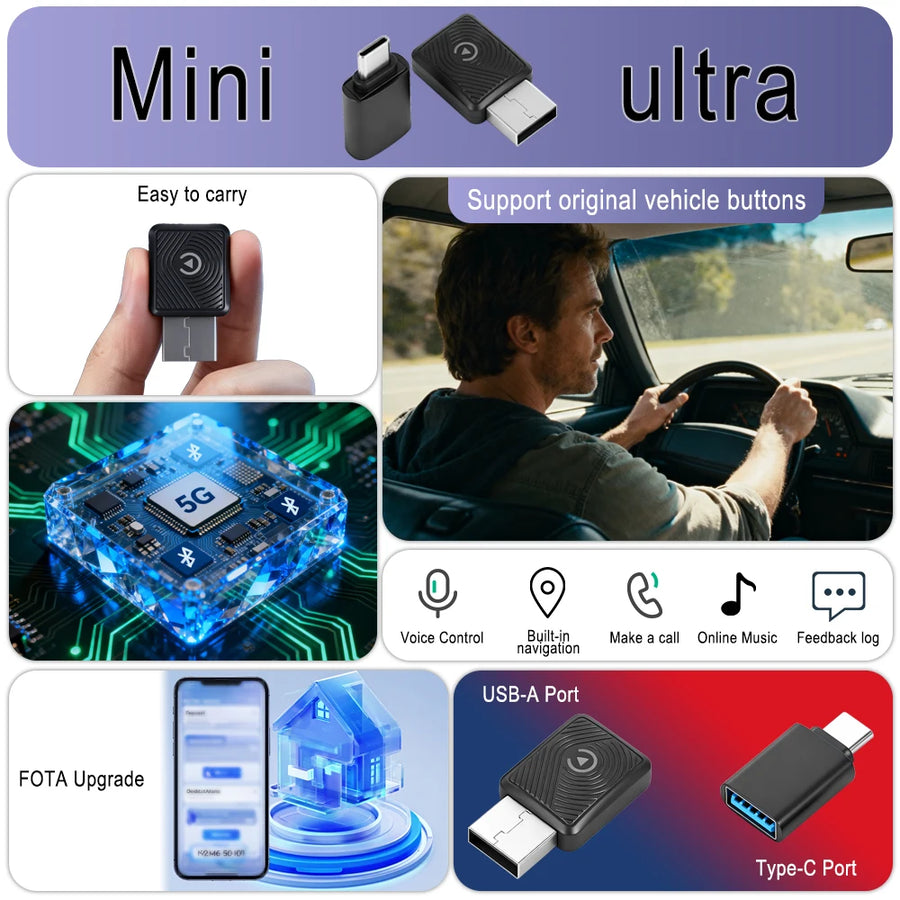
Still plugging in your phone every time? This 2-in-1 plug & play adapter converts your wired CarPlay or Android Auto to wireless in seconds — no app needed, no complicated setup, just plug in and go!

✅ Key Features
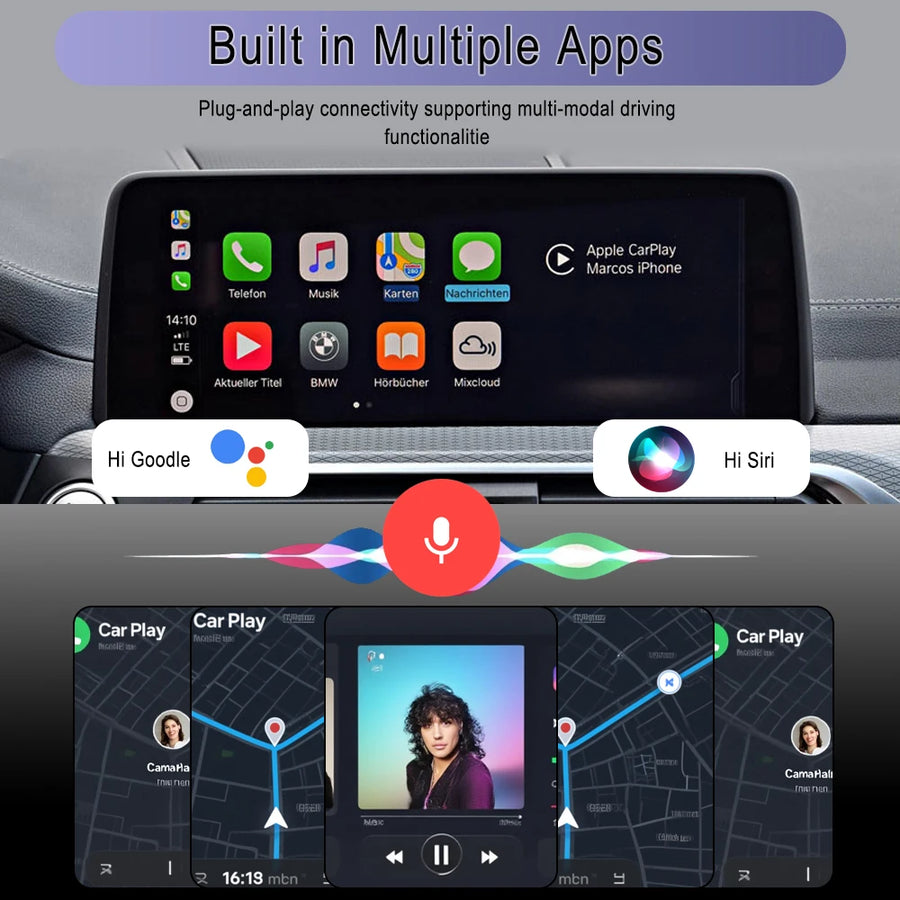
- 📱 Wireless CarPlay & Android Auto — no cable needed
- 🔌 Plug & play — no app required
- ⚡ Auto-connects — pairs instantly every time
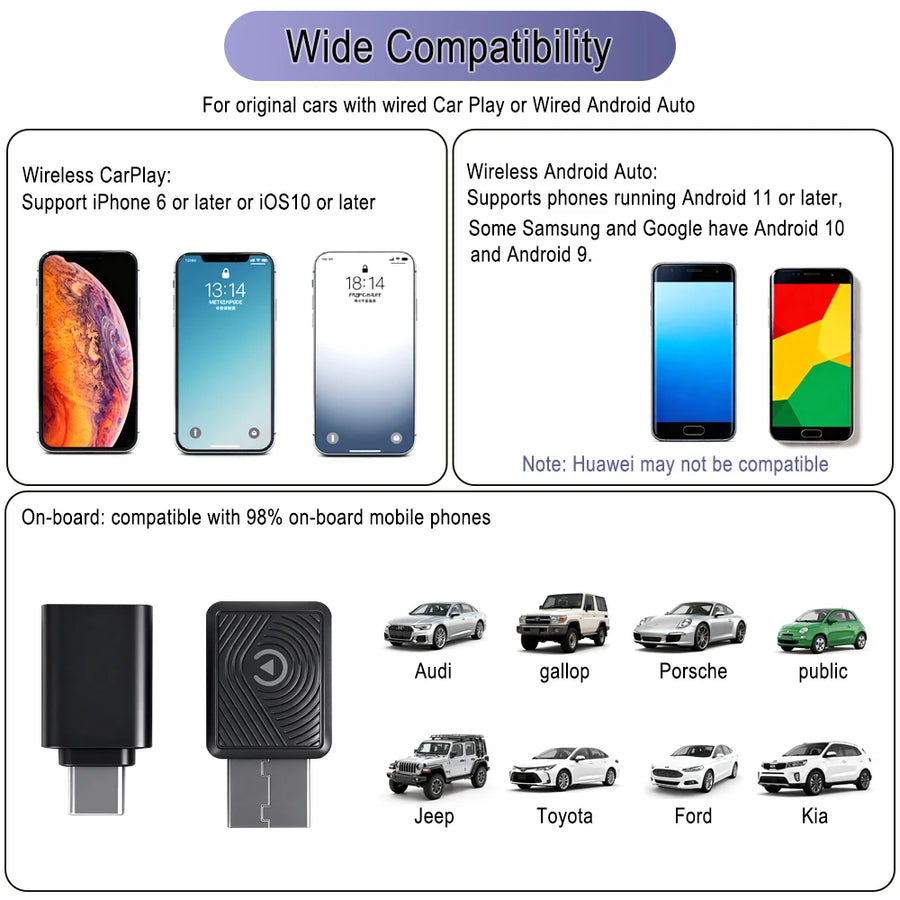
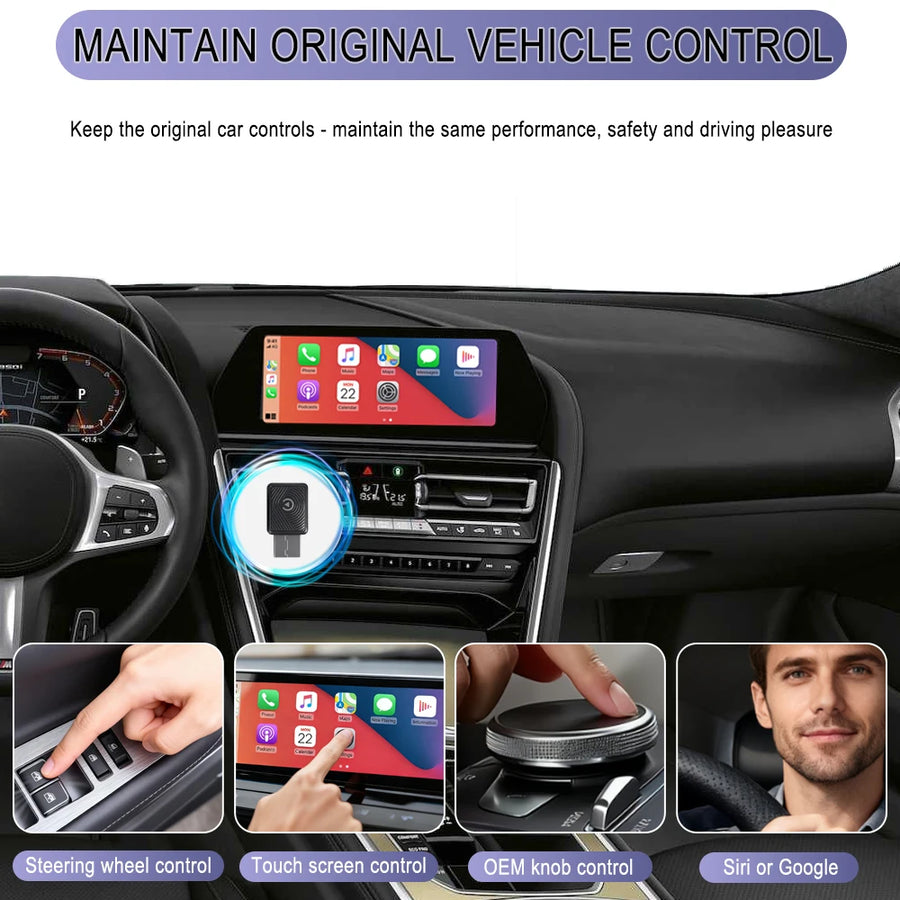
- 🚗 Compatible with all factory wired CarPlay cars
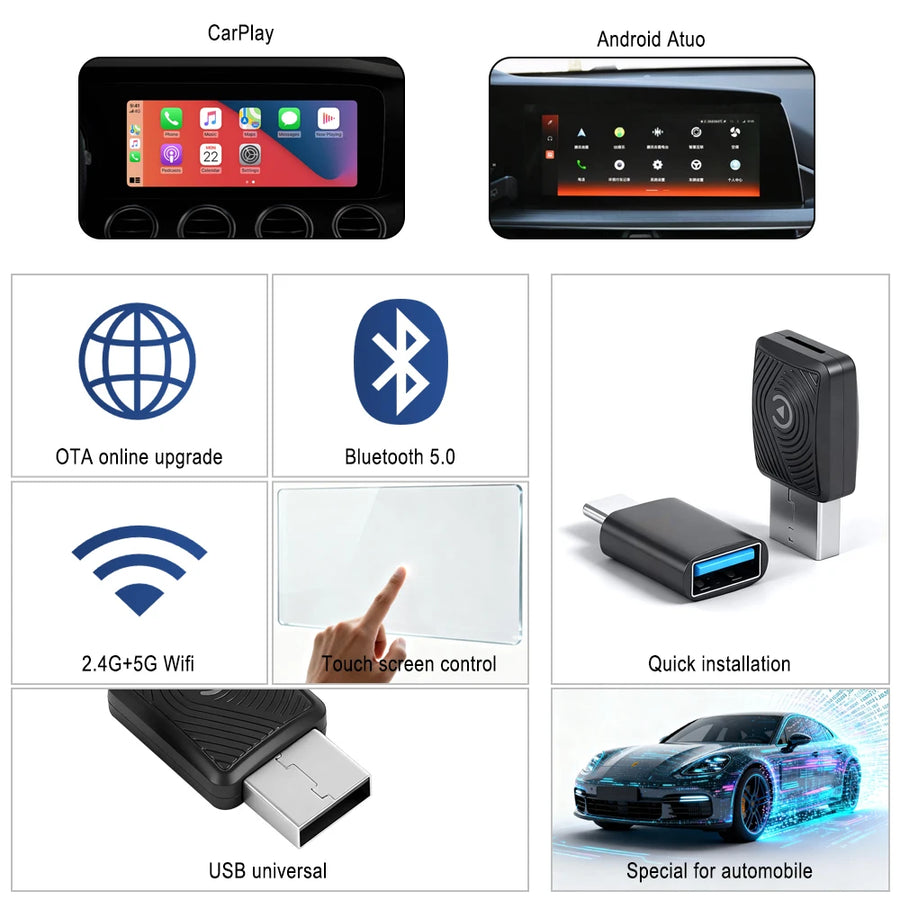
- 📶 Stable WiFi + Bluetooth connection
- 🎵 Full CarPlay experience wirelessly

📖 How to Use
- Plug In — Insert adapter into car USB port
- Enable Bluetooth — Turn on phone Bluetooth
- Pair Once — One-time pairing setup
- Auto-Connect — Next time it connects automatically
- Enjoy — Full wireless CarPlay experience!

📊 Specifications
| Function | Wired to Wireless CarPlay/Android Auto |
| Setup | No App Required — Plug & Play |
| Connection | WiFi + Bluetooth |
| Compatible | All Factory Wired CarPlay Cars |
| Guarantee | 7-Day Money Back |

⭐ Trusted by 500+ Happy Customers
✅ 7-Day Money Back Guarantee
🚚 Fast International Shipping
🛡️ Secure Checkout
Our Promise to You
Secure Checkout
256-bit SSL encryption
Fast Shipping
7-14 business days
Money Back
7-day guarantee
Top Rated
4.9 stars average
Frequently Asked Questions
Standard shipping takes 7-14 business days.
We offer a 7-day money back guarantee.
Yes, 100% genuine and quality tested.